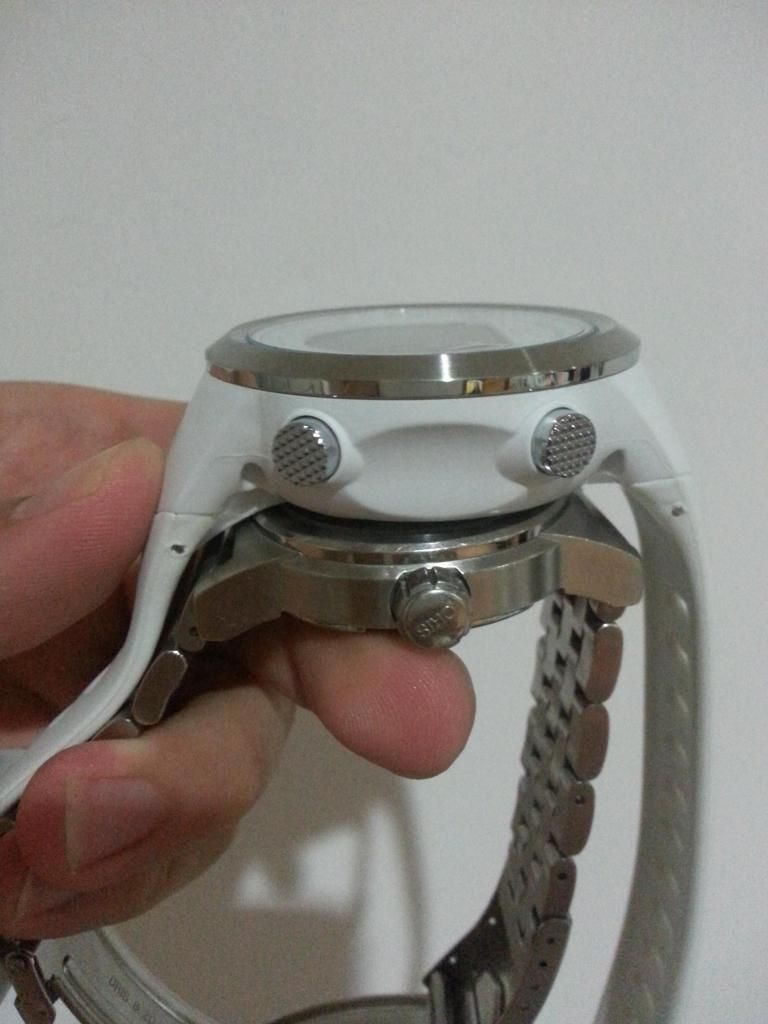
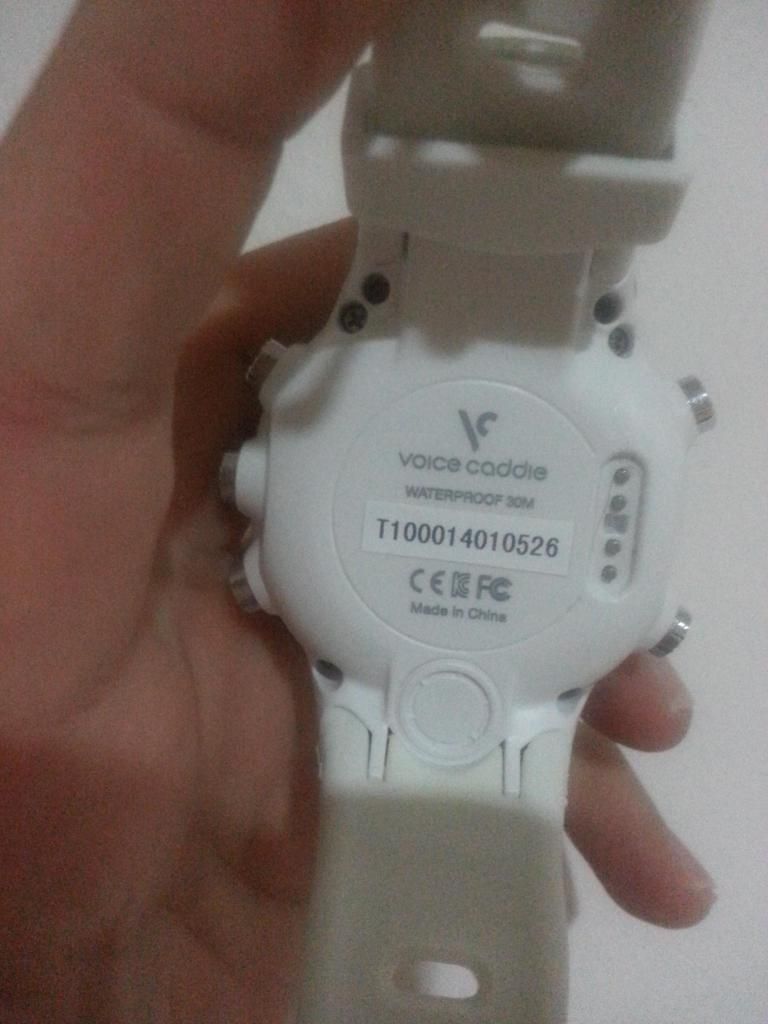
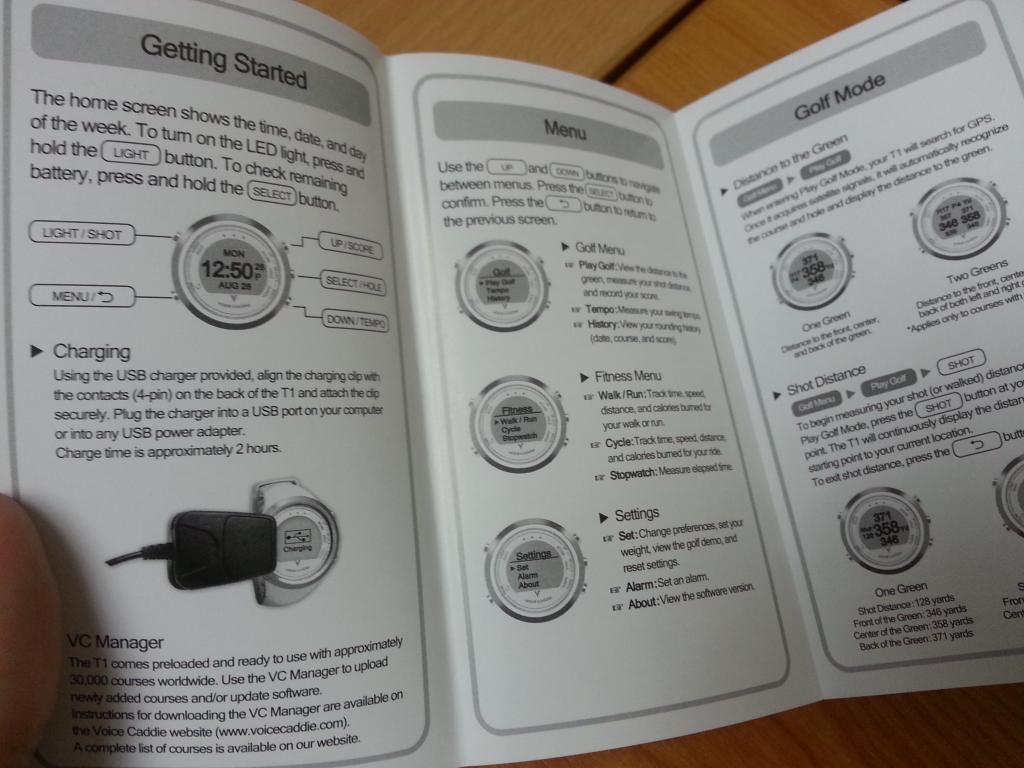
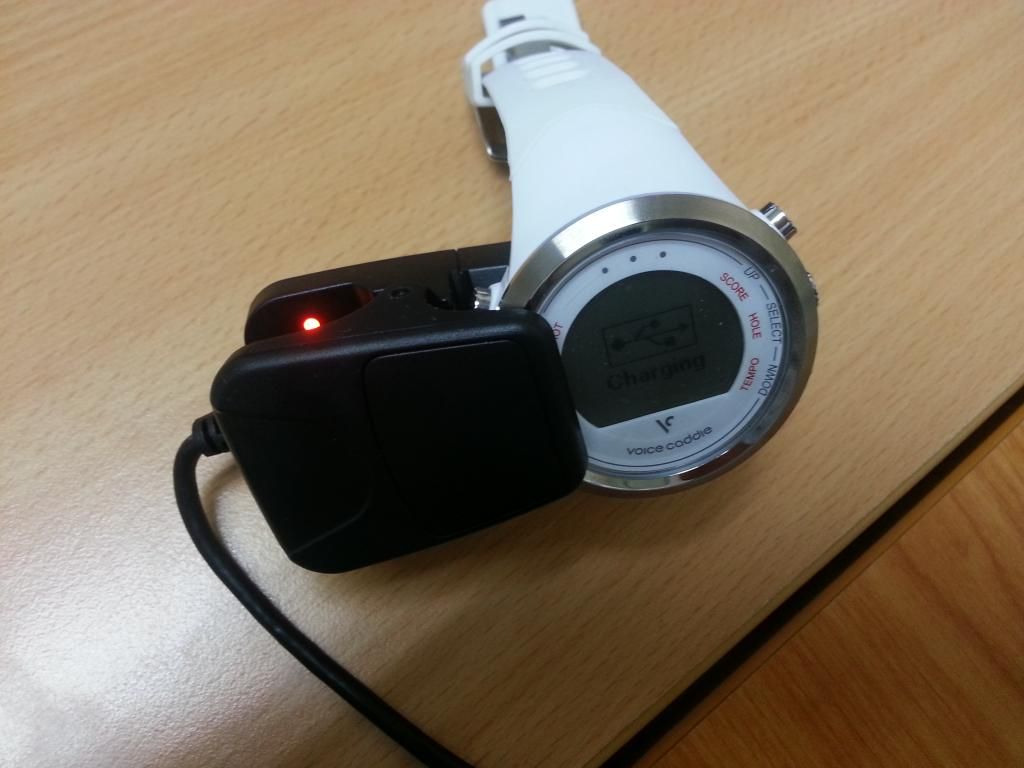
UPDATE :
5th September 2014 - GPS no longer works - Unable to configure through PC (Please scroll to the end)
19th September 2014 - Successful reset and re-configuration of watch!
20th September 2014 - Golf GPS function works after reset.
Since I received the T1 Hybrid Watch, I have managed to test it 3 times now and I have to say I am very pleased.
Modes :
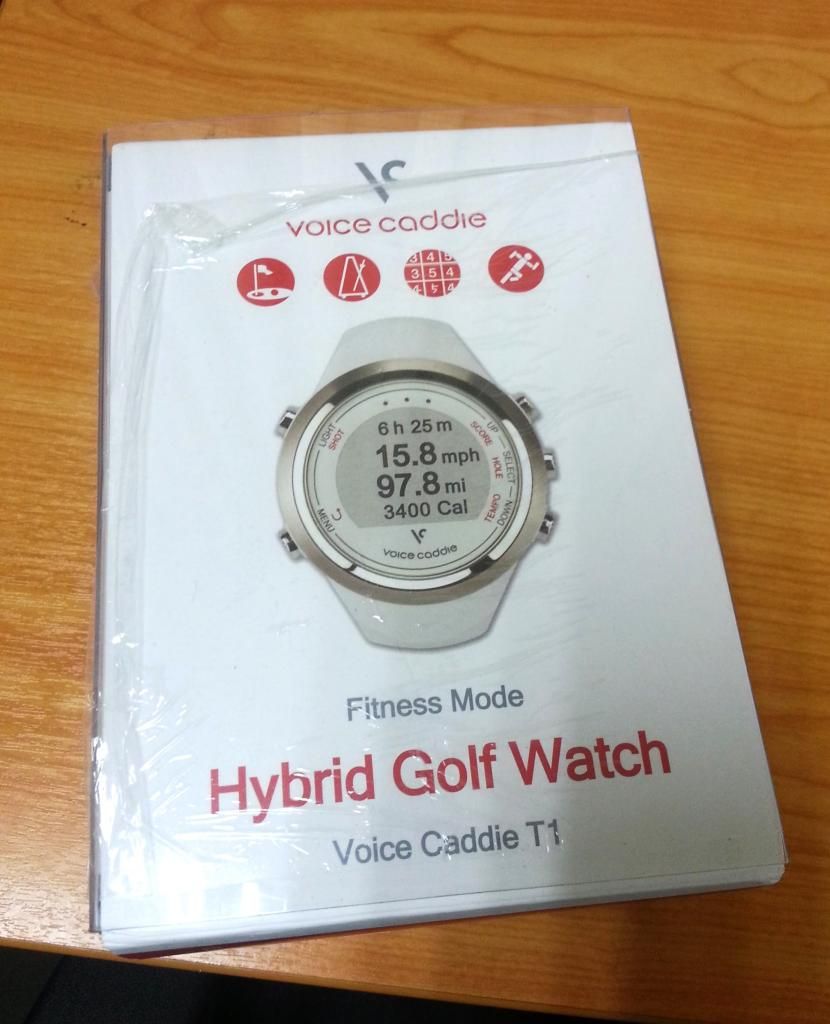
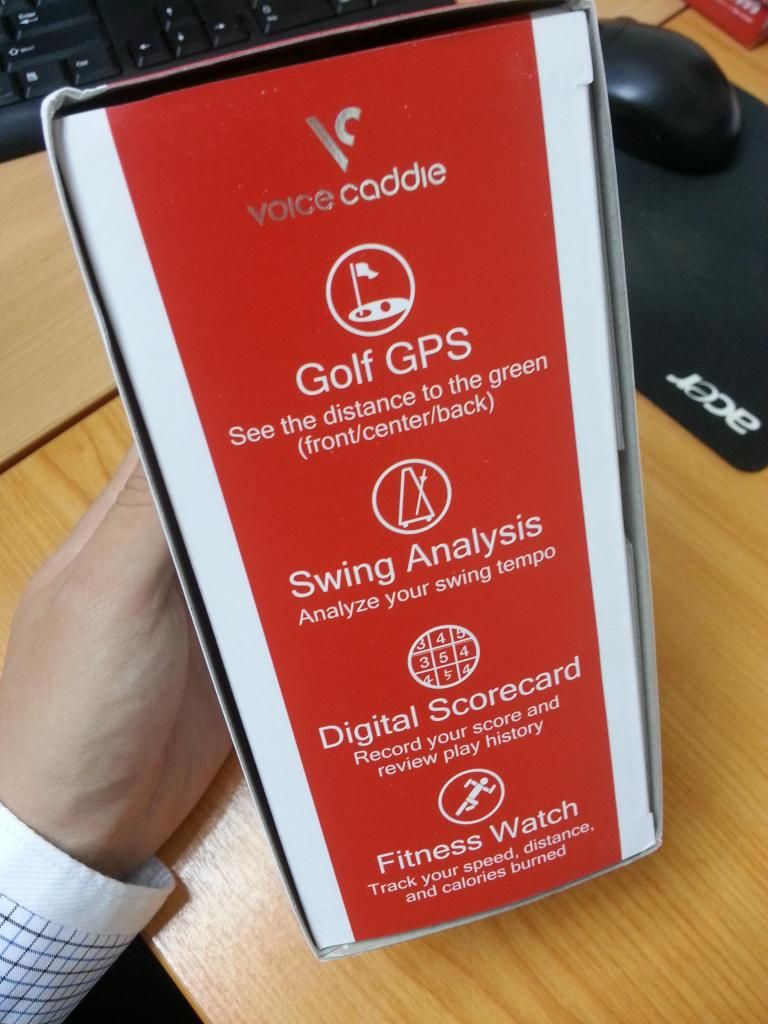
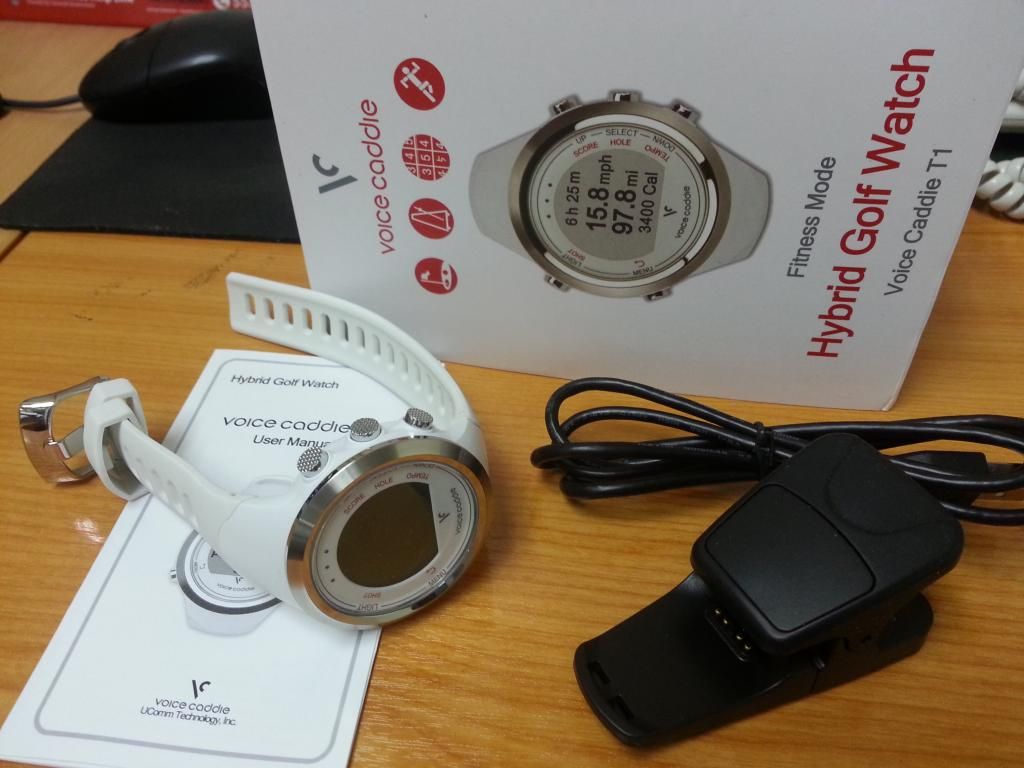
Apart from telling the time and being used as a Golf GPS, the T1 Hybrid Watch as it is aptly called is also Fitness watch. It uses the GPS to track your speed, distance and calories burned during your walk, run or cycle.
So it's aimed to appeal to the fitness / golf masses. I have though, only tried out the Golf Mode and the Tempo mode (which is great for swing practice at the range).
Golf Mode: Set up
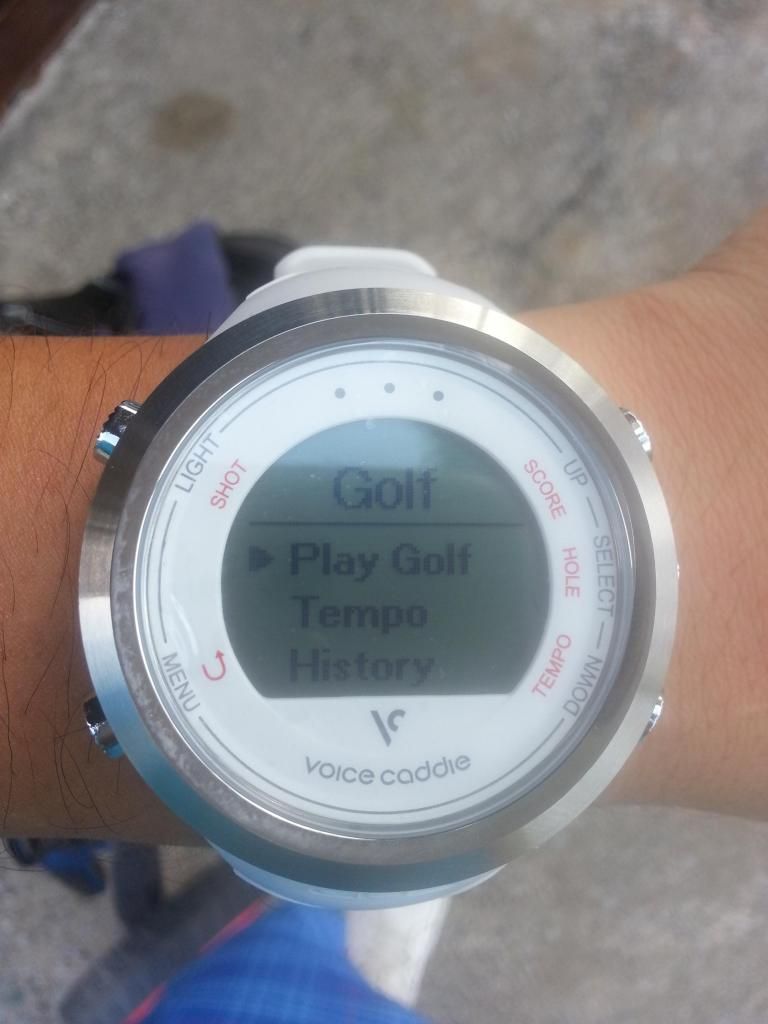
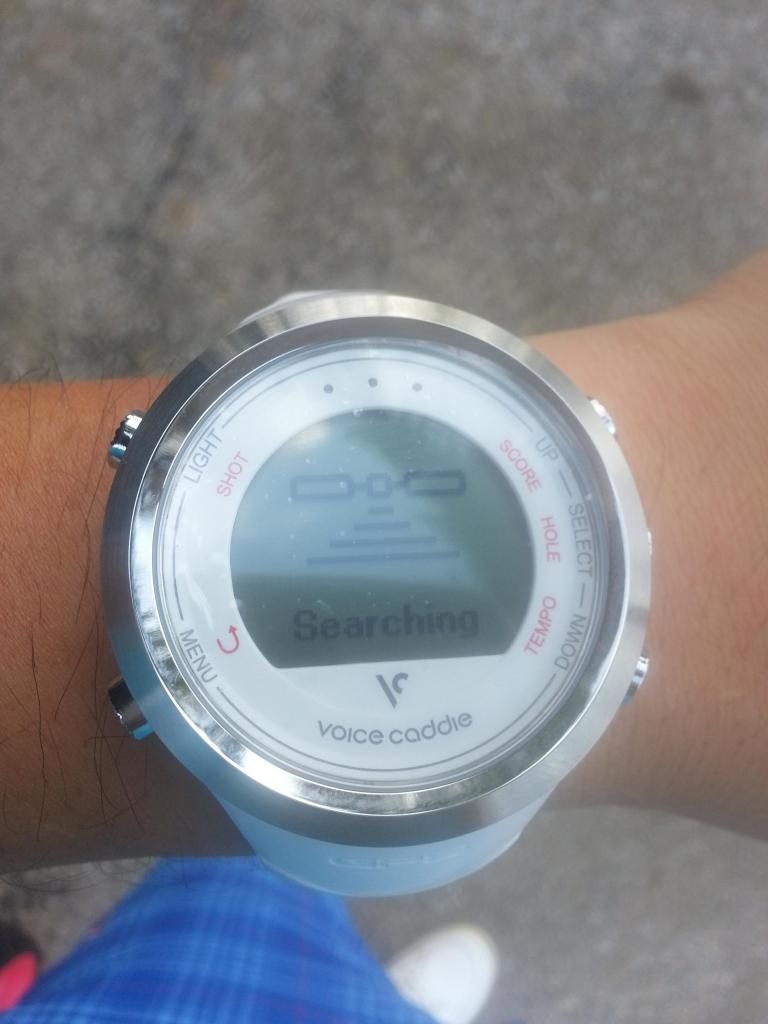
Once you are ready to play, walk to the tee box and press the menu button. From there select "Play Golf" and just wait for the GPS to set up.
On the first occasion, I played 9 holes at the Kelab Golf Sarawak, which is a 36 hole course. On the tee box, it took only about 20 seconds for the GPS to set up.
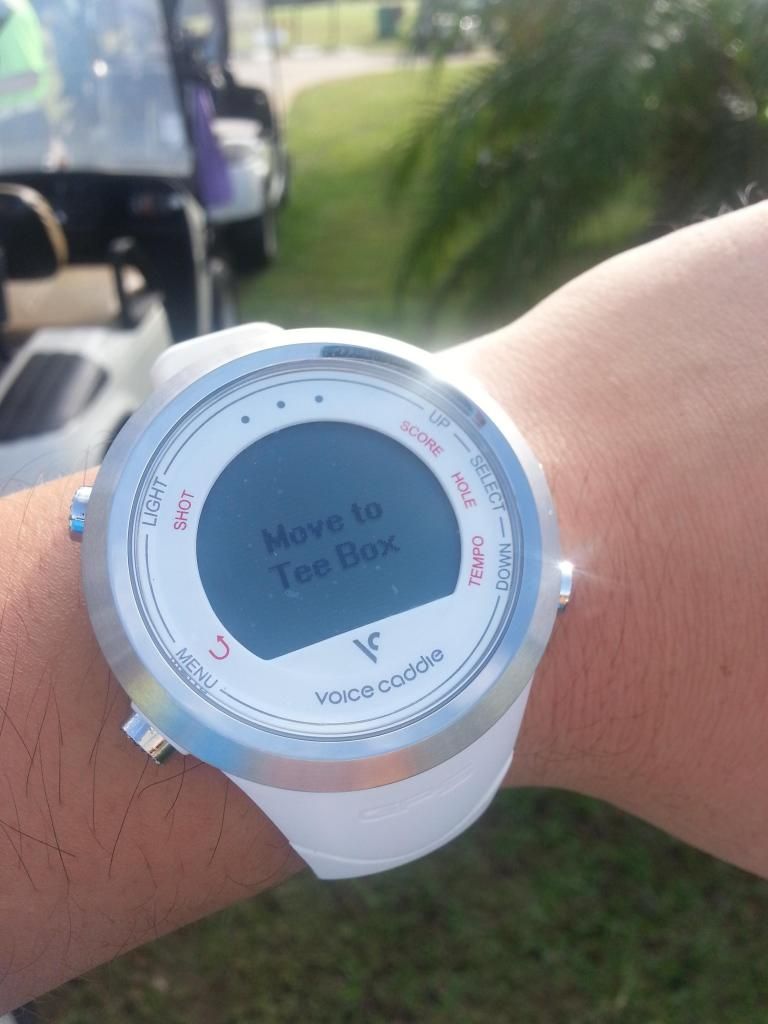
Once set up, it will ask you to "Move to Tee Box" and when you get on the tee box, the watch automatically detects which hole you are on (in this case the Siol 9 course) and immediately gives you the distances for that particular hole. Very neat.
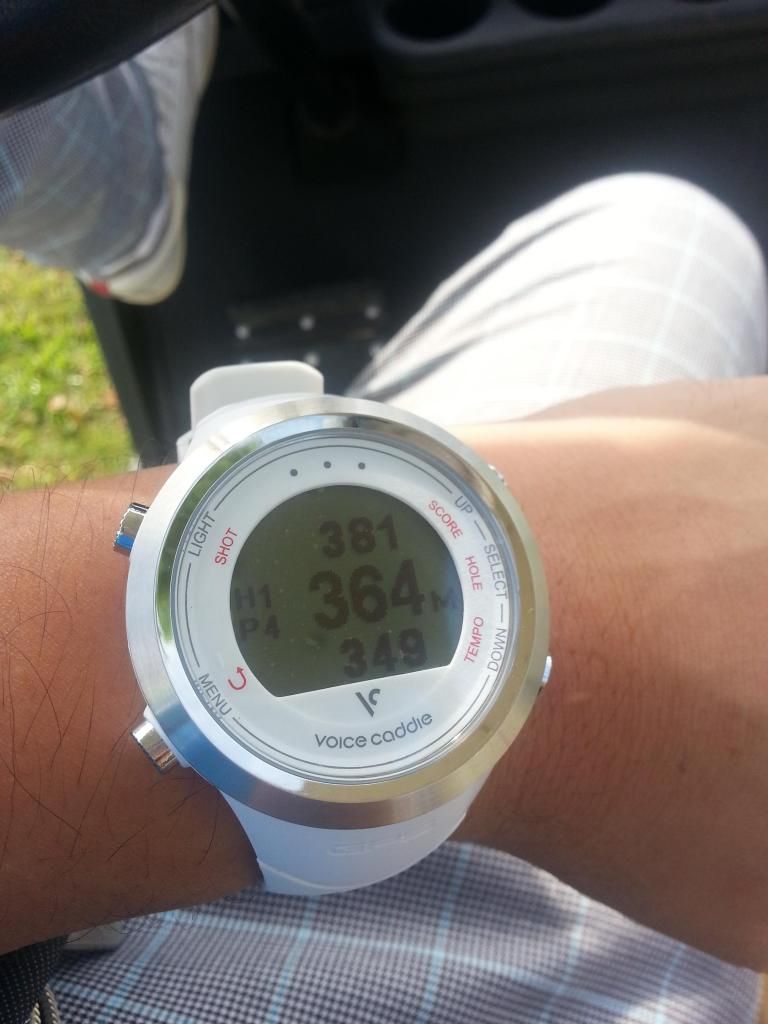
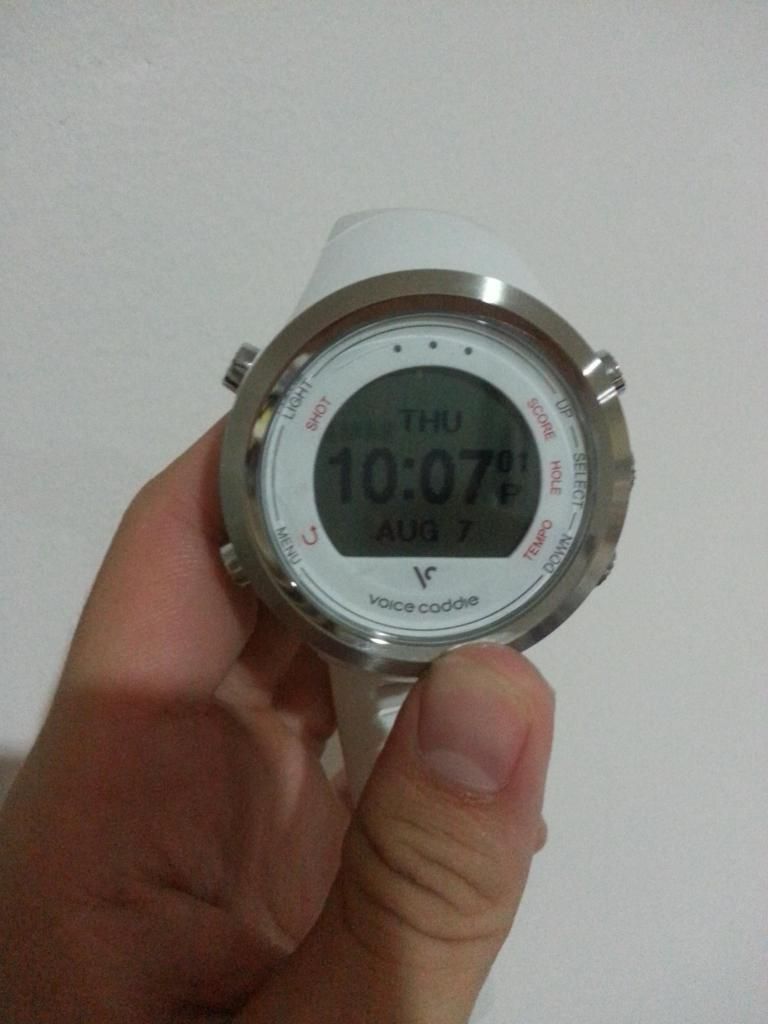
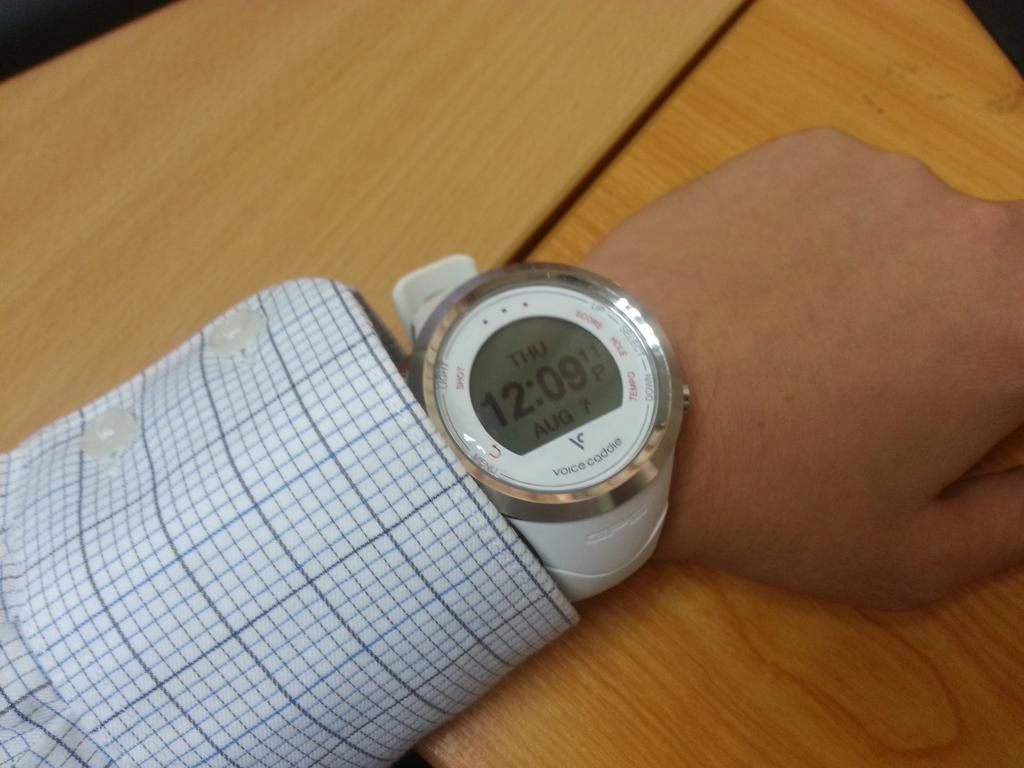
Almost instantly, the magic numbers appear. On the left of the face, it tells you which hole you are on (Hole 1, Par 4). The numbers on the bottom indicate the distance to the front of the green. The middle, the distance to the middle of the green and the figures at the top, the distance to the back of the green.
Golf Mode : In Play
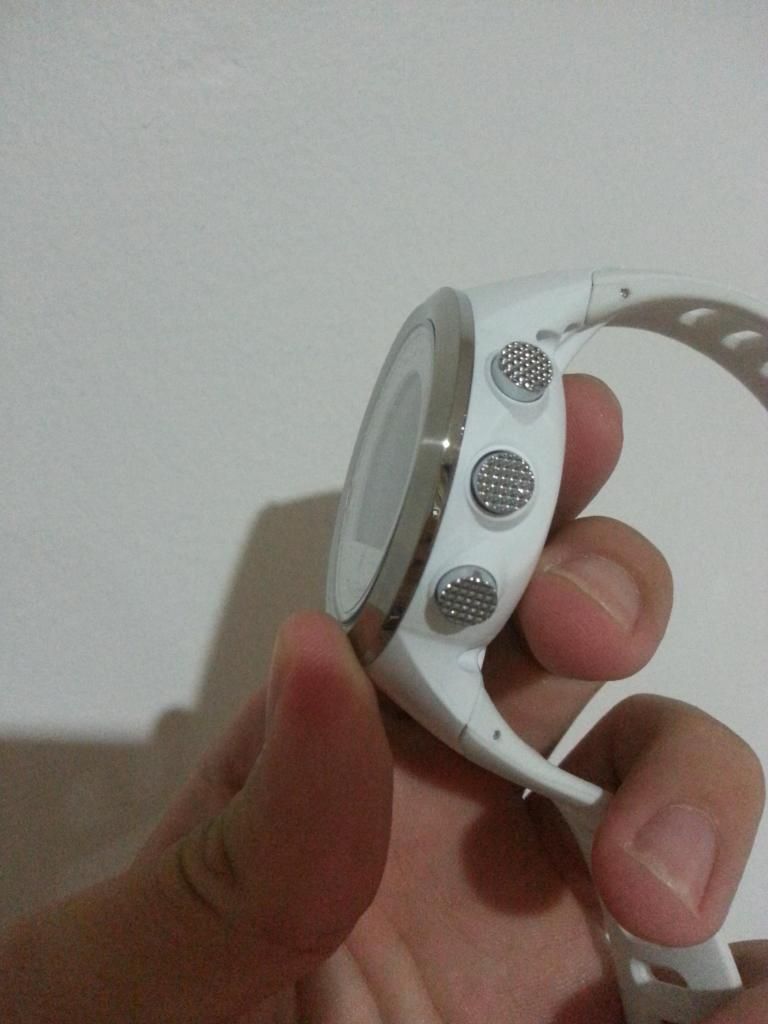
I don't usually wear a watch on my left wrist and thought it would take some getting used to. But to be honest, It didn't feel any different or bulky. Though that said, I did have to move the watch 'down' a little so that it didn't get in the way of slipping the glove on and off. I suppose that would happen if you wore any other watch too. You could wear it on your right wrist (for right handers) but I am used to wearing my watch on the left.
I compared the distance on the watch with the distance markers and it was really quite accurate. For instance, the distance markers at the Samarahan Country Club indicate the distance to the middle of the green and when compared, the numbers on the watch were either +/- 2-3 meters. Given that the course is mapped by Voice Caddie, a difference of a meter or two is to be expected.
The display was big enough and the numbers weren't hard to see under the bright sun either, which was good. In the event your ball strays away onto the next fairway and the watch switches holes (I tried it deliberately) you can easily select the correct hole manually and continue.
Want to know how far you are actually hitting your driver? Easy. There's a measure your shot mode that helps you to track how far you are hitting your clubs.
Golf Mode : Did it help?
As I progressed along, I realised I was no longer looking at the distance markers and was really starting to appreciate the extra help.
For instance, the distance markers are usually placed at the 200m, 150m and 100m mark. With the watch, I no longer had to do any guess work when I was between markers.
All I had to do was walk to my ball and then take a quick glance at the watch to get the required distance. Easy-peasy.
Personally, I felt the given distance was really helpful when it came to taking approach shots. Prior to wearing the watch, it never really occurred to me, just how big some greens are. So what I would usually do is look at the distance marker, then the colour of the flag and estimate the distance before making my club selection.
It's fine if the flag was yellow and in the middle of the green, but what if the flag was in the front or back? more guess work to be done and unless you are aware of how big the green is, we are talking about a substantial difference of 20, 30 or more meters.
For lower handicappers, this may not be a problem but I definitely found it helpful. Now I look at the colour of the flag and look at the watch to confirm the distance. I found comfort knowing that I had the right club and felt more confident attacking the pin.
Although as a weekend high handicapper, I have to admit that there were also occasions where I would get say "150m" to the middle of the green, whip out my 6 iron and then chunk it a hundred meters and end up short of the green or hit the right distance but miss the green.
You would probably earn a few chuckles from your flight mates, but I like to think that one's skill will improve gradually and there's certainly no harm having the right yardage at your finger tips.
There's also a feature that helps you keep score and also allows you to track your previous scores, but I didn't use the feature. It would have been cool though if there was a mode to download your scores onto the computer.
Overall, I was very impressed with the T1 Hybrid Watch and will be using it whenever I play golf (provided the course is in the database) in future.
What I liked :
1. A watch, a golf GPS and other modes all in one nice package.
2. Light enough that it doesn't interfere with your swing
3. Easy to set up and very convenient to use.
4. GPS satellite is fairly quick and accurate.
5. Very handy when it comes to attacking the pin.
6. Measures your shots and tracks your swing tempo. Two features other existing watches do not have.
7. Good value for the price compared to other watches.
[Edited]
8. Good customer support when resolving issue with watch.
What I didn't Like:
1. Battery life only lasted two rounds for me (9 holes and 18 holes) Though I suspect the battery drained faster then usual as I was fiddling around with the watch on the first occasion.
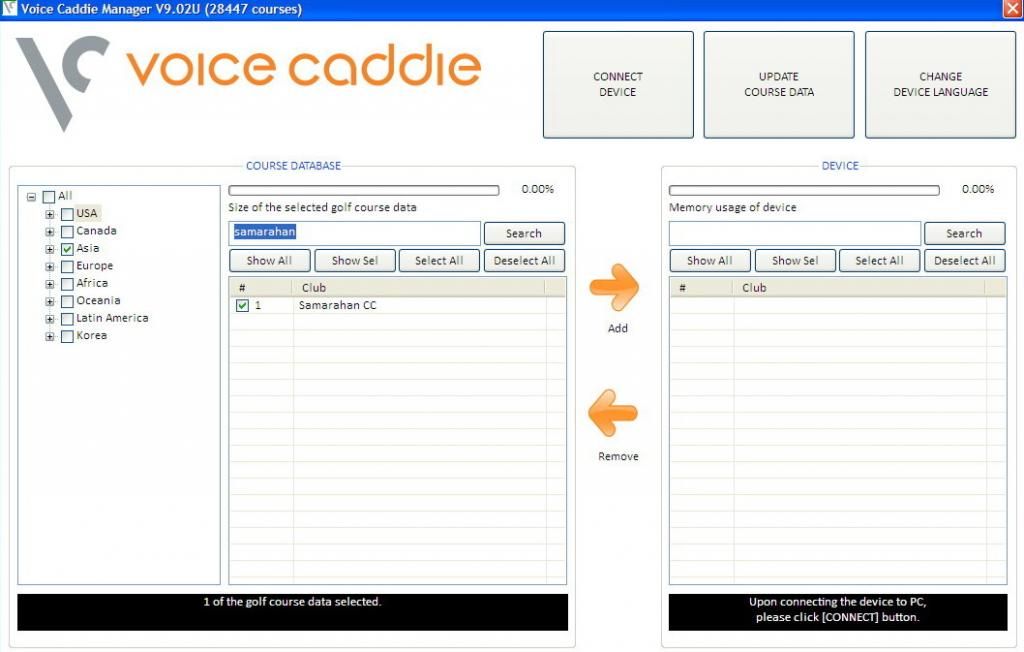
2. Only useful when the course you're playing at is in the database. Thanks to me (hehe), Samarahan Country Club members can now use all voice caddie gps products.
3. Doesn't give you readings to hazards or lay up distances.
4. It would be even better if you could download your scores onto the computer for reference.
[Edited]
5. Ran into problems in less then 2 months when Golf GPS didn't function.
Final Verdict:
I say, buy it. See Below.
Where to buy:
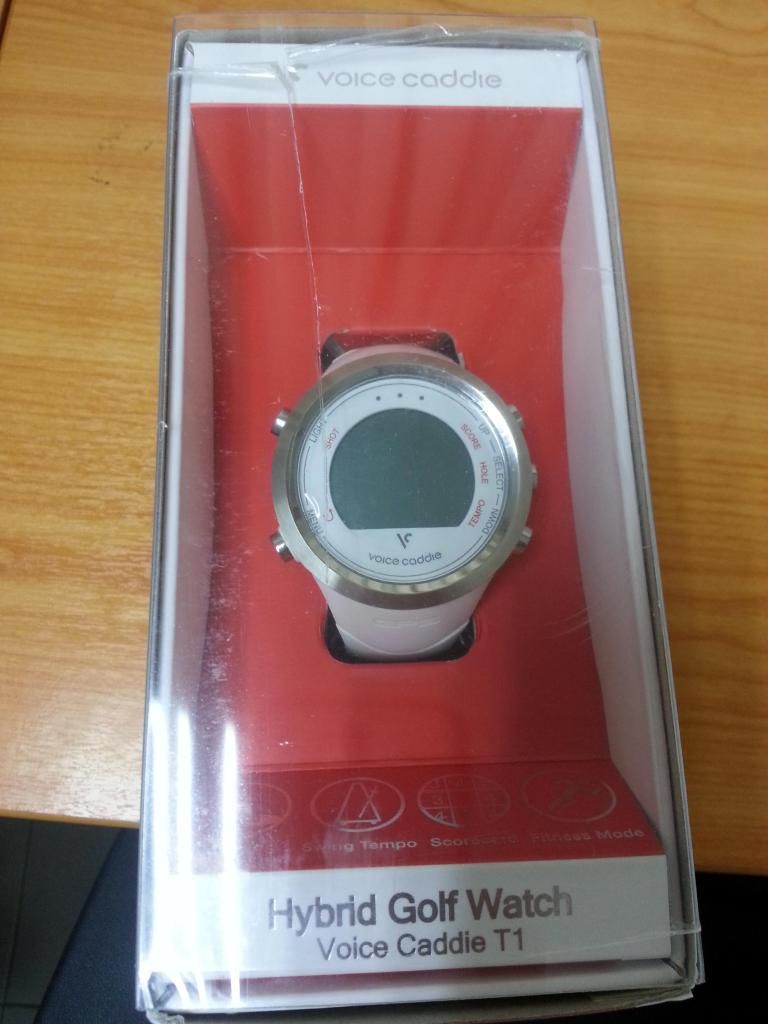
The Voice Caddie T1 Hybrid Watch is available at most MST outlets in Malaysia and retails for RM629.00. Also comes in black.
You could of course try your luck looking around ebay or online retailers and get it for much less. But there are of course warranty / return issues to consider if you take that route.
Saturday can't come quickly enough. Have a great golfing weekend everyone.
UPDATE : 5th September 2014
As mentioned above, I have had no issues and was very pleased with the T1. That though changed when I travelled to Kuala Lumpur on 4th September 2014.
Prior to departure, I had made plans with my golf buddy to play two rounds of golf during my stay in K.L. We were going to play at the Sungai Long Golf and Country Club and the prestigious Kuala Lumpur Golf and Country Club. A quick browse of the course database showed that both courses were mapped and I happily loaded both into the watch.
On the tee-box of hole 1 at Sungai Long on Friday afternoon, I activated the golf mode and to cut a long story short, the golf GPS did not work and it did not make for a fun afternoon.
I mean the Golf was fantastic but I was left rather high and dry on the excitement of utilizing the watch on a new course.
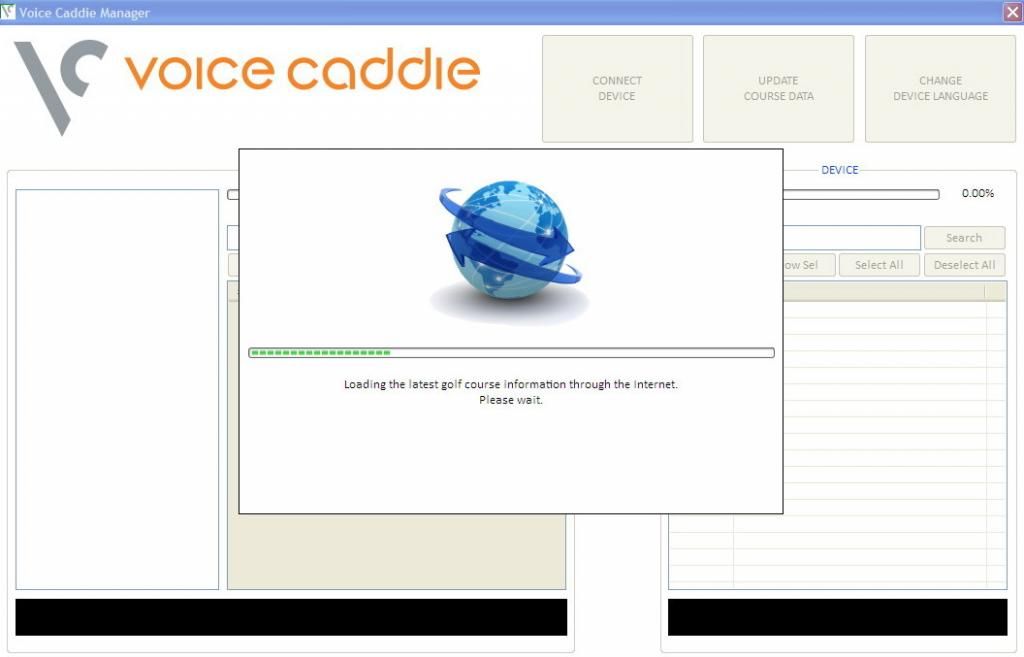
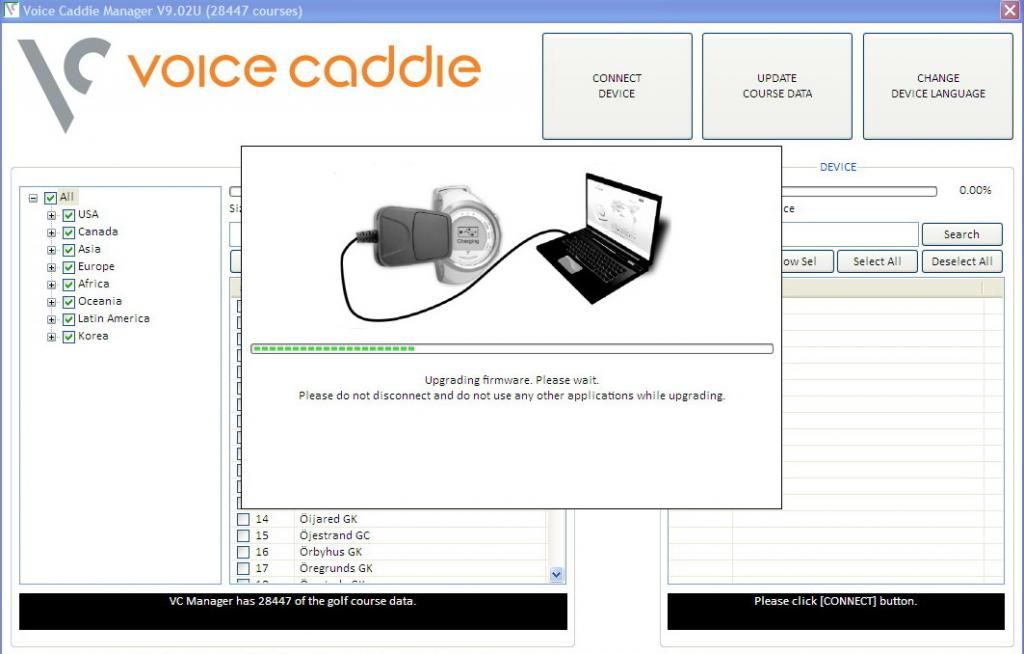
That night, I tried to reset the watch and run through the setup with the voice caddie manager but my efforts were in vain. Specifically, the first time, it detected an error on the watch and the second time, the watch couldn't be detected.
Apart from the Golf GPS, the other functions were working perfectly and no, "at least it still tells time" was not comforting at all.
The next day, I gave it another shot at the KLGCC and it did not work as well. I was not a happy camper.
I have, as of today, sent a number of emails to the Voice Caddie support and to be fair they are trying to help me out to see if the problem can be fixed.
I have tried almost everything and have asked if there is a way to 'master reset' the watch back to factory settings (I have tried to reset it through the watch but it didn't seem to work) In any event, I am still waiting for Voice Caddie support to get back to me and fingers crossed, there will be a solution. But as it is, it's been less then two months and such problems shouldn't even occur.
I can't say I am pleased.
Will update again with good news, hopefully.
UPDATE : 19th September 2014
Voice Caddie support got back to me this morning and provided me with some software to reset the watch. There was no longer any error when I connected the watch to the VC manager and it seems to be working fine. Will be taking it to the Course tomorrow to confirm that the GPS works.
I am both relieved and thankful that Voice Caddie Support have come through. I cannot tell you how frustrating it is to see the 'error' message each time I tried to connect the watch.
UPDATE : 20th September 2014
Glad to report that the watch works fine now. Had a round at Kelab Golf Sarawak and although it took longer then usual for the satellite to detect the course, there were no other issues.
I have to record my thanks to the Voice Caddie support team once more who patiently and promptly assisted me with the problems (and dealt with my frustration).
I have though suggested that they make available for download the two softwares which I used to update and reset the watch
Edit 1.06.2015
Having
tested the Bushnell Neo XS, I can safely say that it is a better golf
gps watch then the Voice Caddie T1 (I especially like the distance to hazards/layup functions) Please see my post on the Bushnell Neo XS for more details. In that vein though, I should point
out that the T1 is Voice Caddie's first golf gps watch. Bushnell on the
other hand have produced earlier gps watches and are therefore
'experienced' players in the market.